Linking content via Mix-n-Match
Mix-n-match is a widely used tool (by Magnus Manske) to link external databases, catalogs, etc. to existing Wikidata items (or to create new ones).
Example list:
Newspapers
and journals
from the 20th Century Press Archive
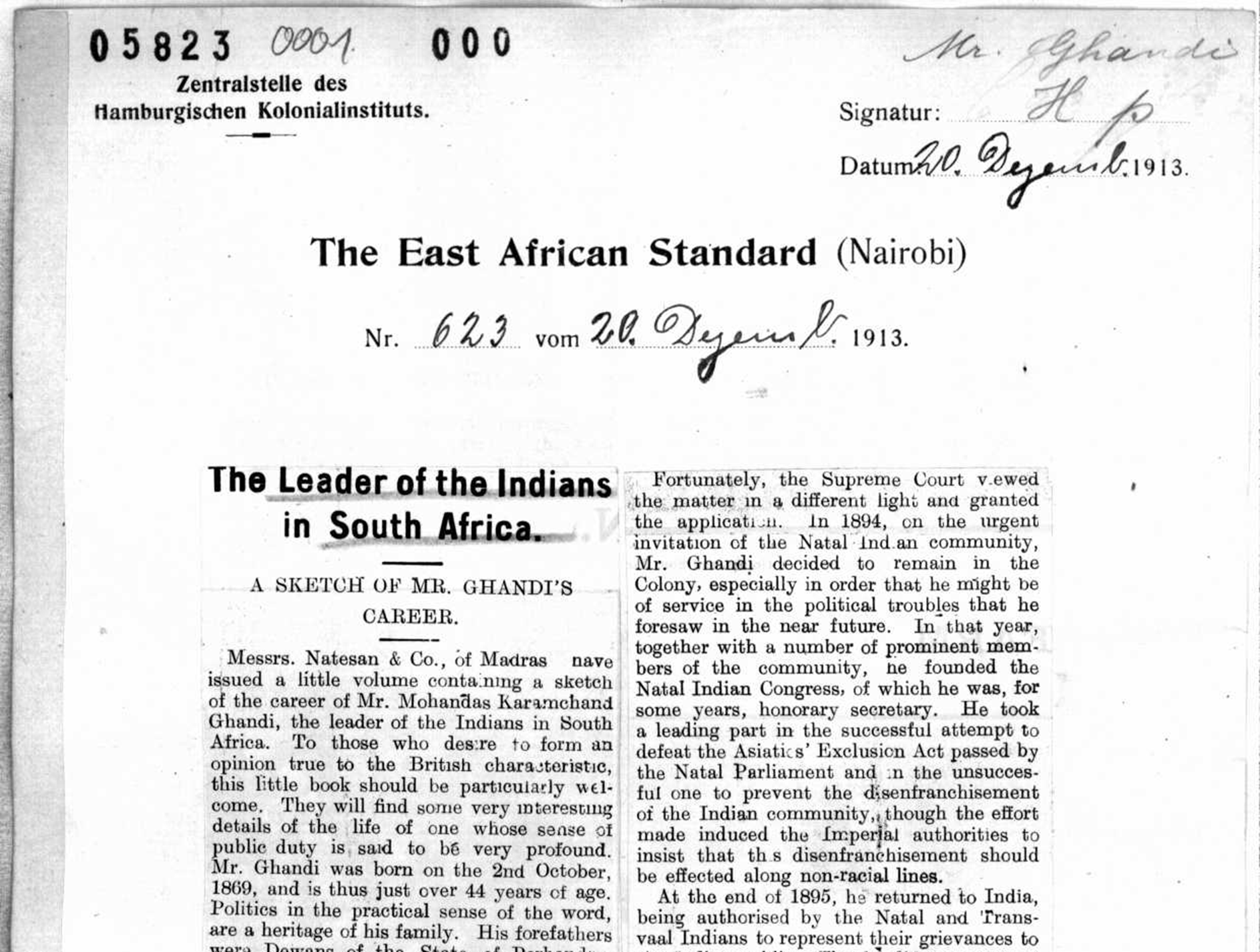
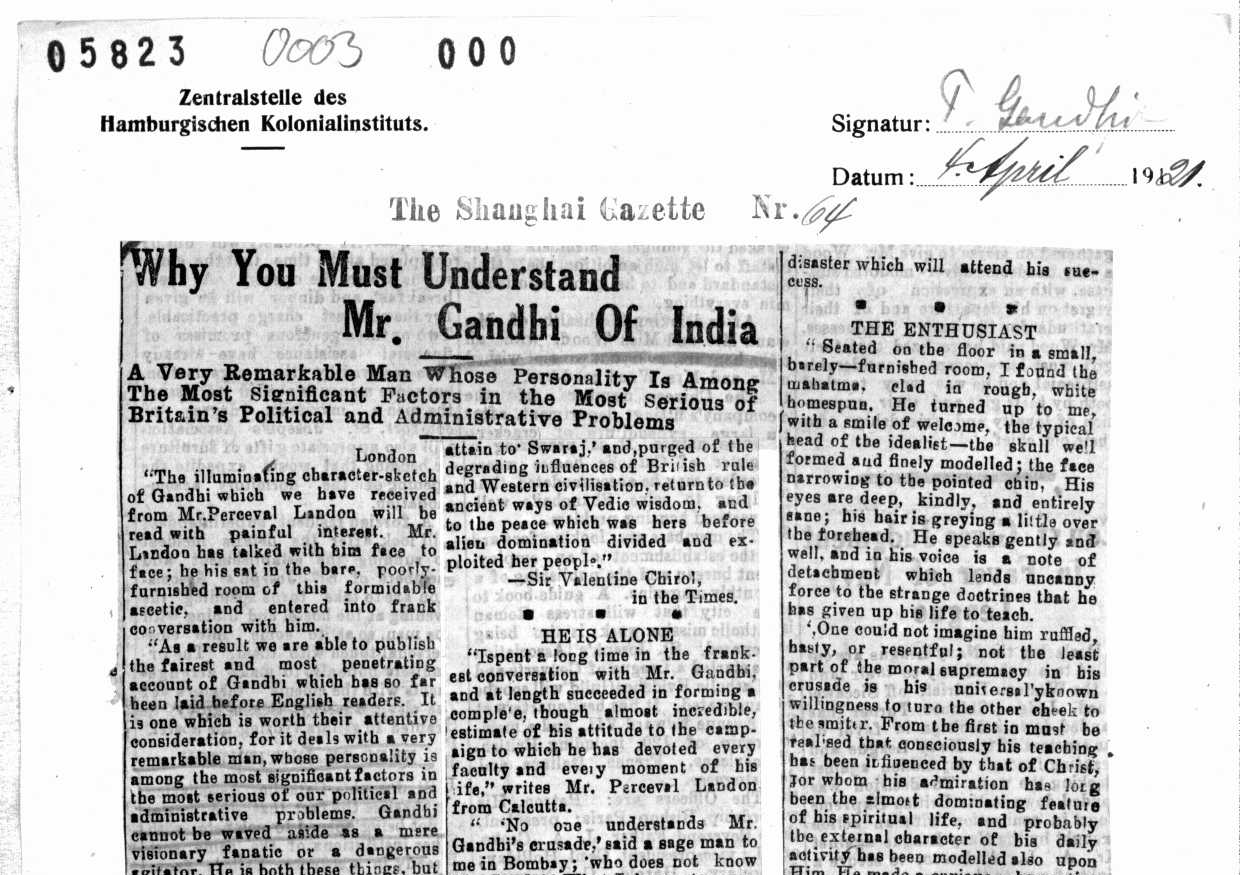
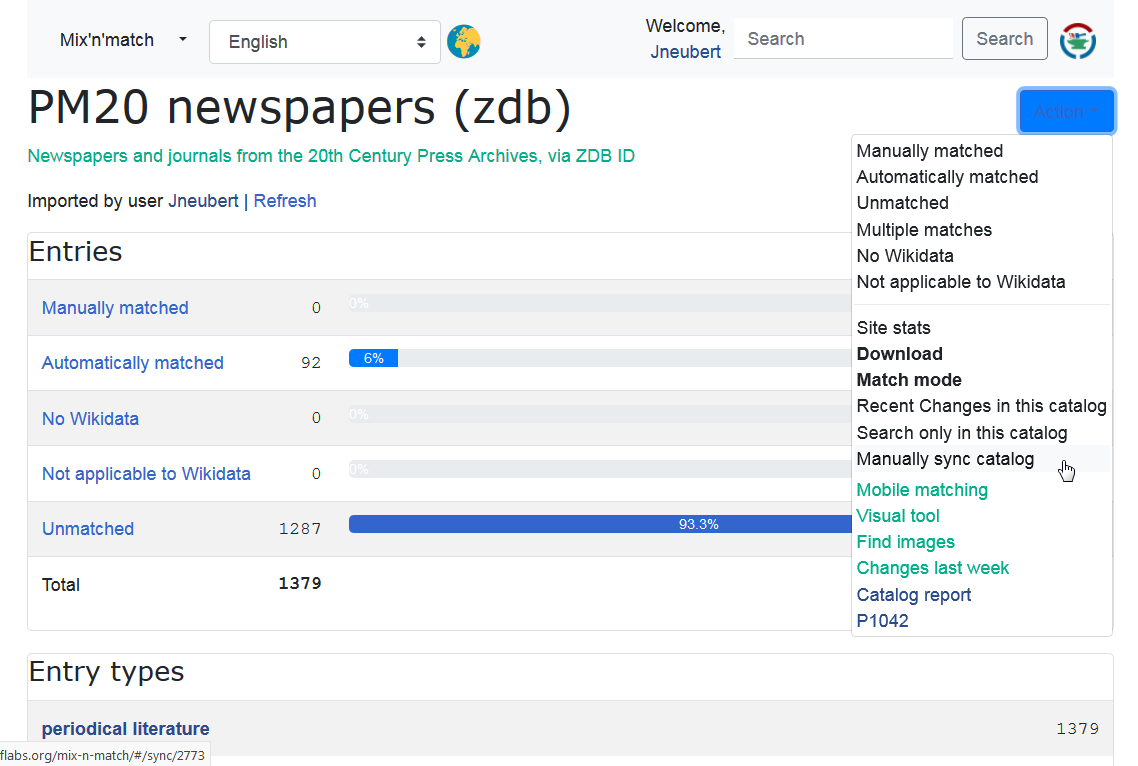
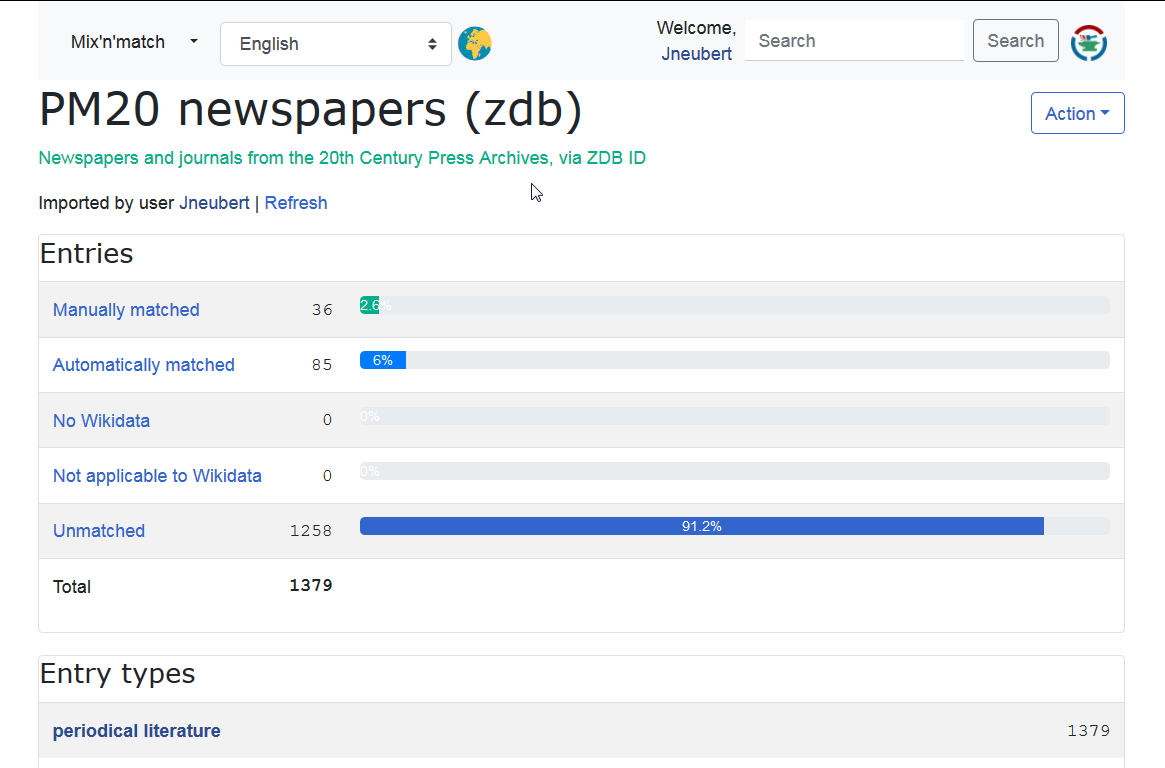
Please navigate to our example catalog
Tasks
- Login through Widar
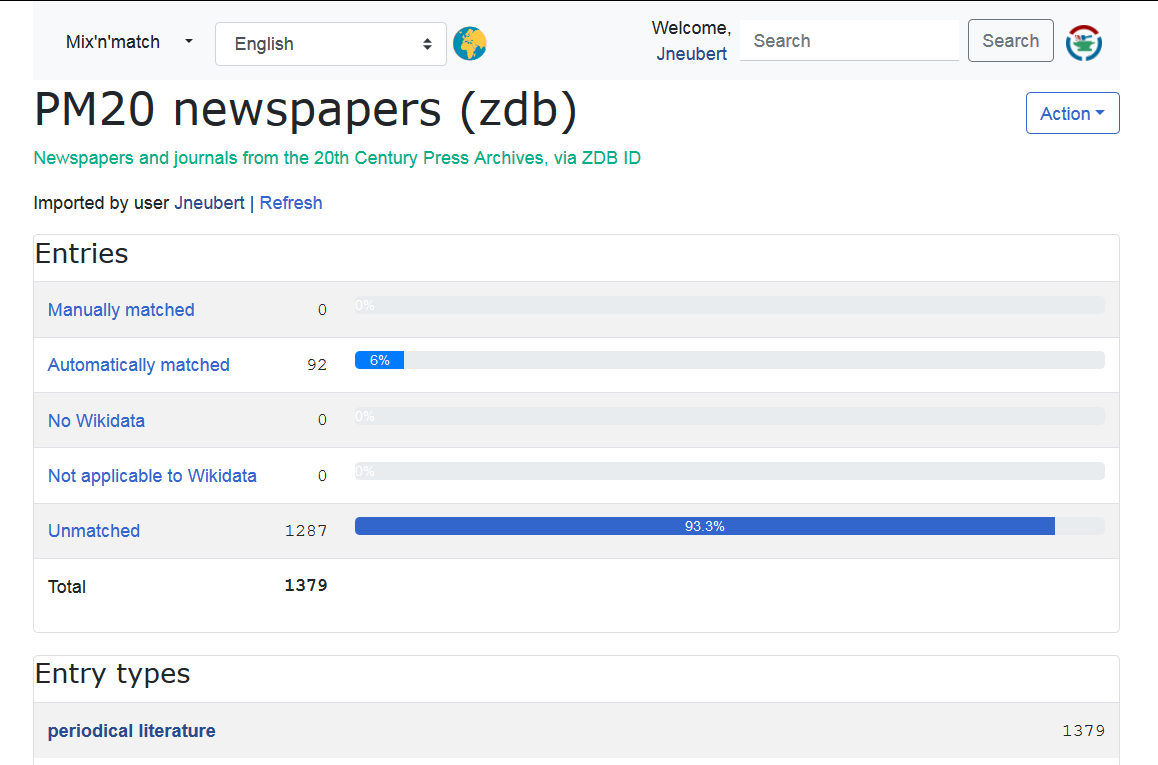
- In “Automatically matched” list:
- Connect matching items
- Remove non-matching entries
- In “Unmatched” list:
- Search for existing items
- Create missing items (suggested properties)
Supplementary material
Item creation “on the go”
- With Mix-n-match “New item”: rudimentary, no references
- Custom list of prepared QuickStatements insert blocks (example from STW Thesaurus for Economics - please don’t mess with it, this is work in progress)
- Workflow-wise, use same sequence for M-n-m input and prepared insert blocks
Recommendations for item creation
- Pay attention to Wikidata’s notability criteria (much more relaxed then Wikipedias)
- Explain your plan and ask for feedback in the Wikidata project chat
- Apply for a bot account to make mass edits (example)
- Source every statement (hints)
- Create input in QuickStatements text format
- Check with a few statements, verify result
- Run as batch, document input and batch URL
Matching from WD to the external database entries
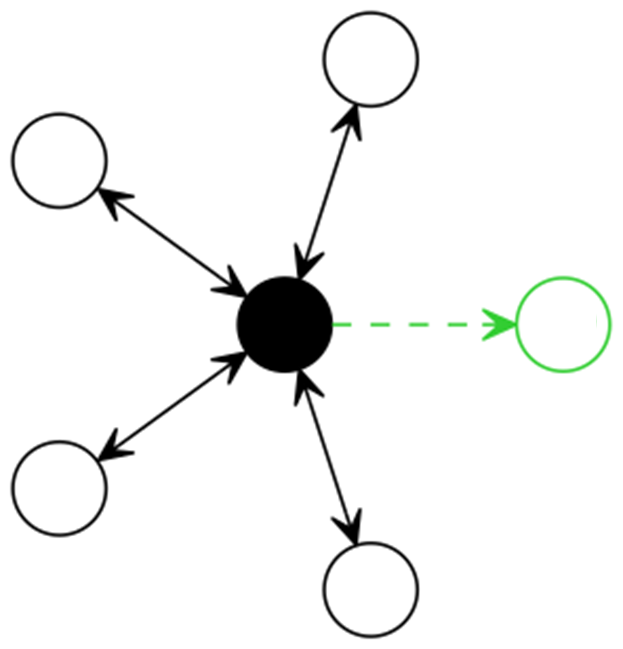
- Normally requires an endpoint for the external source, where you can search for the labels, aliases or other data of Wikidata items
- Insert statement for external id into Wikidata can be prepared for cut&paste or even semi-automatic execution in QuickStatements
- Some hints and linked code here
Import catalog data to Mix-n-Match
Prepare data
… as tab-separated table (one line per record) with three columns
- identitfier
- name
- description
Pay attention to
- description column: include everything useful for intelectual identification
- order: the sequence may help structuring your workflow (e.g., most used entries first)
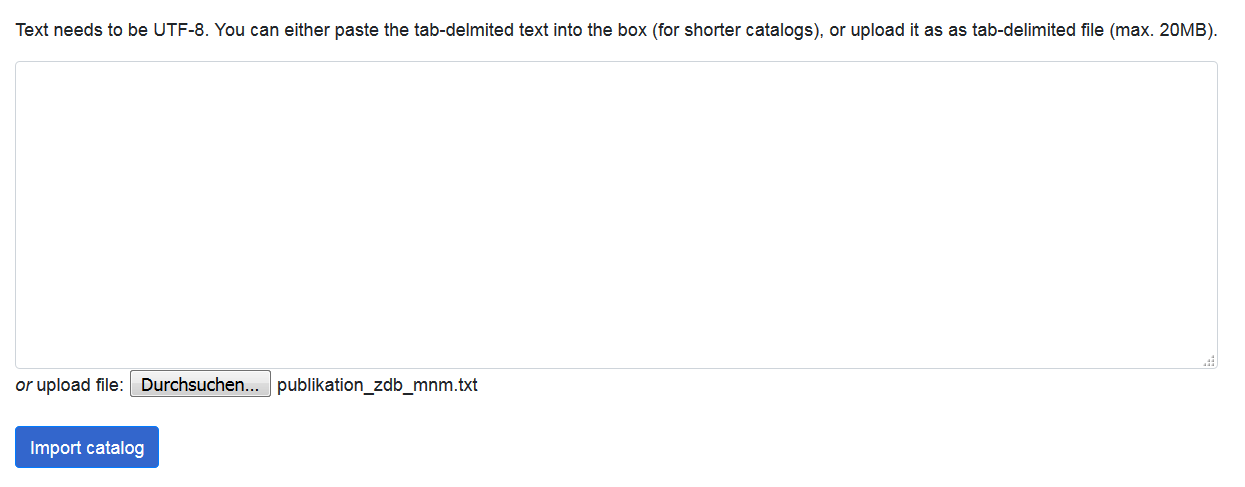
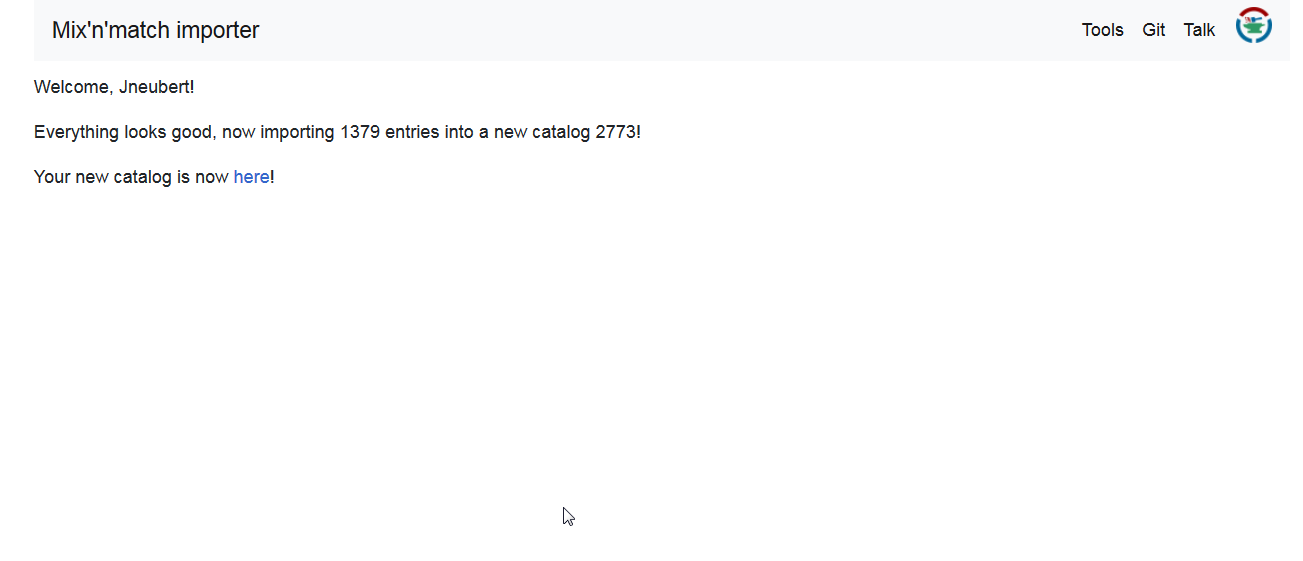
Load data via web interface
… at https://tools.wmflabs.org/mix-n-match/import.php
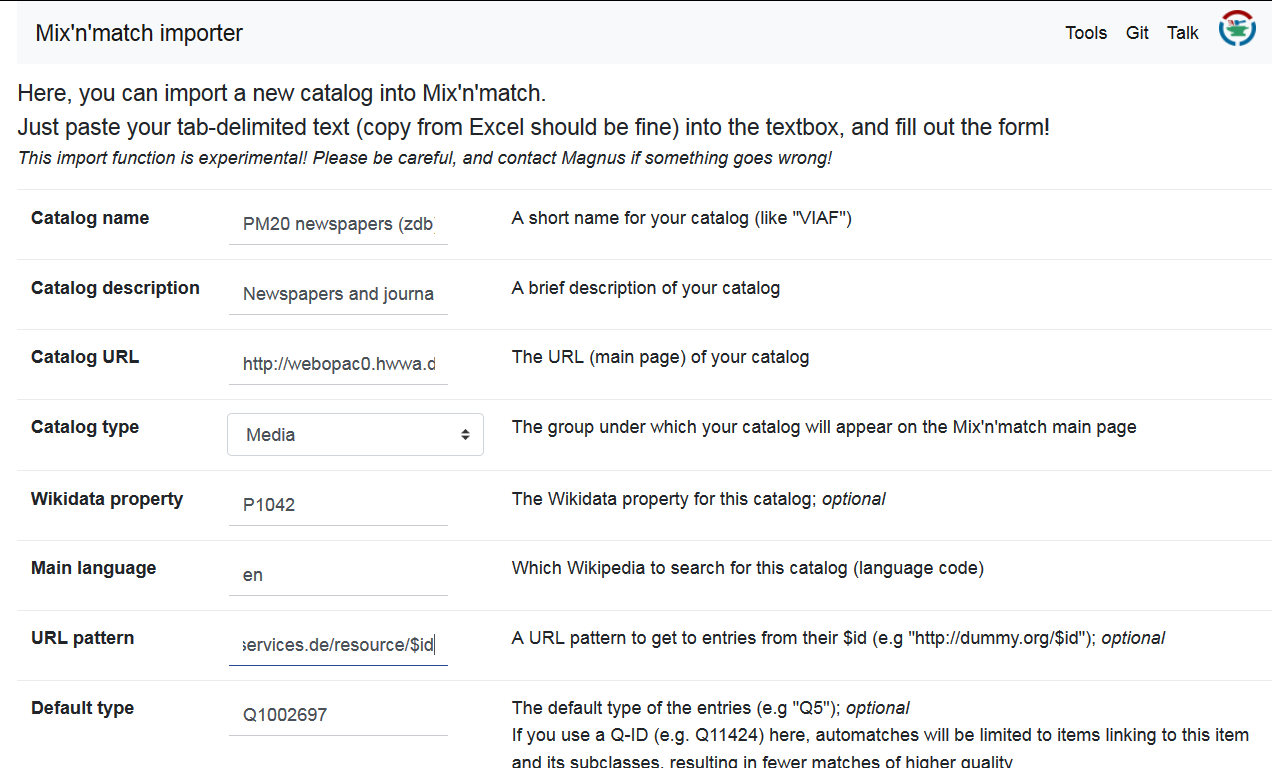
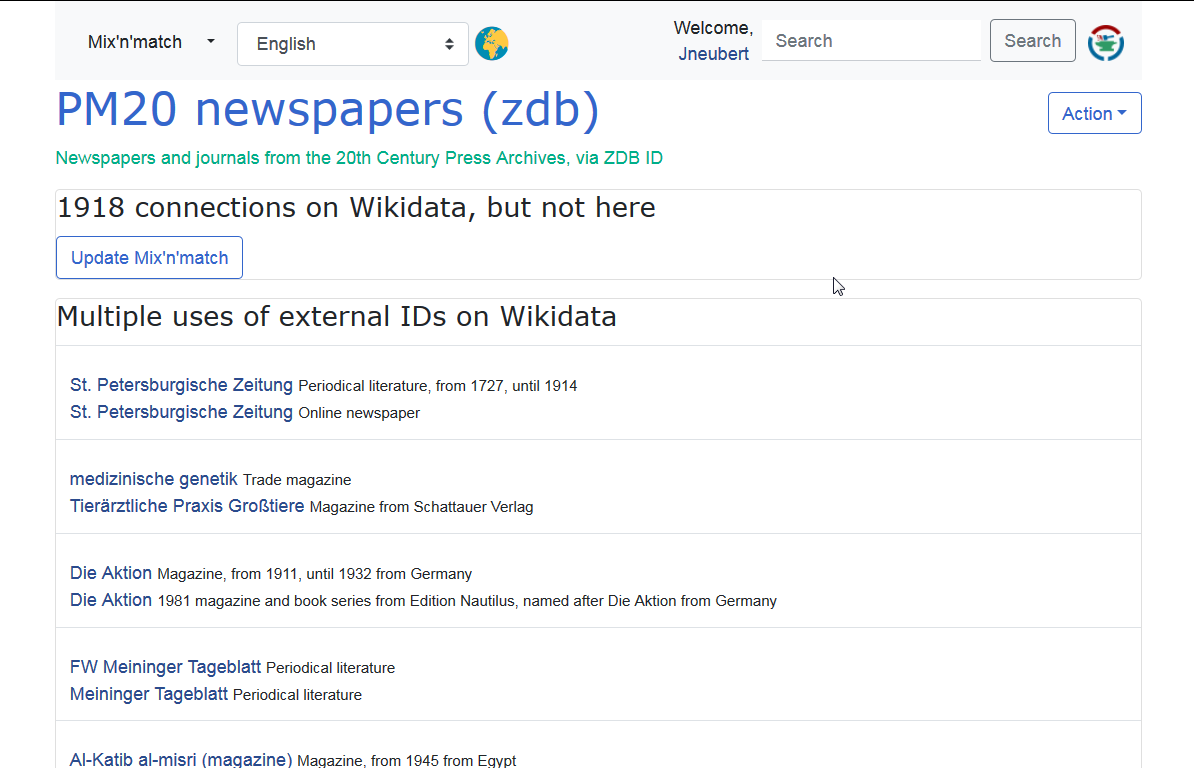
Sync existing ids from Wikidata